Core Essentials
Core Functions
Conceptually, Sincera creates Metadata via two functions:
- a top down approach of Metadata creation, primarily generated by Synthetic Users
- a bottom up approach of Metadata creation, primarily generated by Events
Synthetic Users
Using Synthetic Users, Sincera can operate effectively like a “secret shopper” program. We can observe how a given ad environment is configured + operates from the perspective of a user. Synthetic Users execute code and workflows depending on the Modules that are enabled.
Global Synthetic Users
Rain or shine, Sincera’s Global Synthetic Users are always running. These Synthetic Users are configured to run a set of modules against a set of URLs on a regular basis. This allows us to monitor the health of the Open Web (primarily from a Desktop viewport), and to provide a baseline of data for our Enterprise customers. This data can be found in the Sincera Datasets section, with use cases further detailed in the Using Sincera section of the documentation.
Private Synthetic Users (Private Jobs)
Private Synthetic Users are configured by customers to run a set of modules against a set of URLs defined by a customer. Private Jobs are extremely configurable, and allow customers to specify exactly what metadata they want, and from what environments (Desktop, Mobile, Video). More information can be found in the Private Jobs section of the documentation.
Core Methodology
Data Scope
Sincera collects data from over 300,000 of the internet’s most popular properties, and is updated daily. On the main dashboard and throughout Sincera datasets you will see references to a “Data Scope”, which can be either “Core” or “Ranked” - the Data Scope refers to the number of properties that are monitored within that chart or dataset.
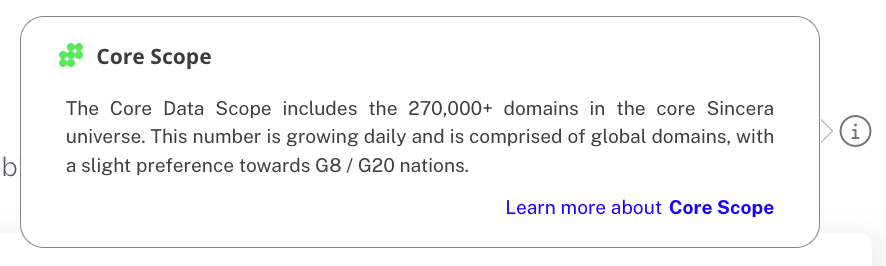
Core Data Scope
Core Data Scope is the default data scope for all charts and datasets, and is the broadest data scope available.
Ranked Data Scope
Ranked Data Scope is a subset of the Core Data Scope, and is limited to the top 10,000 properties (by traffic rank) globally within the Sincera dataset. You can also view the list of the Ranked publishers here.
Core Admin Functions
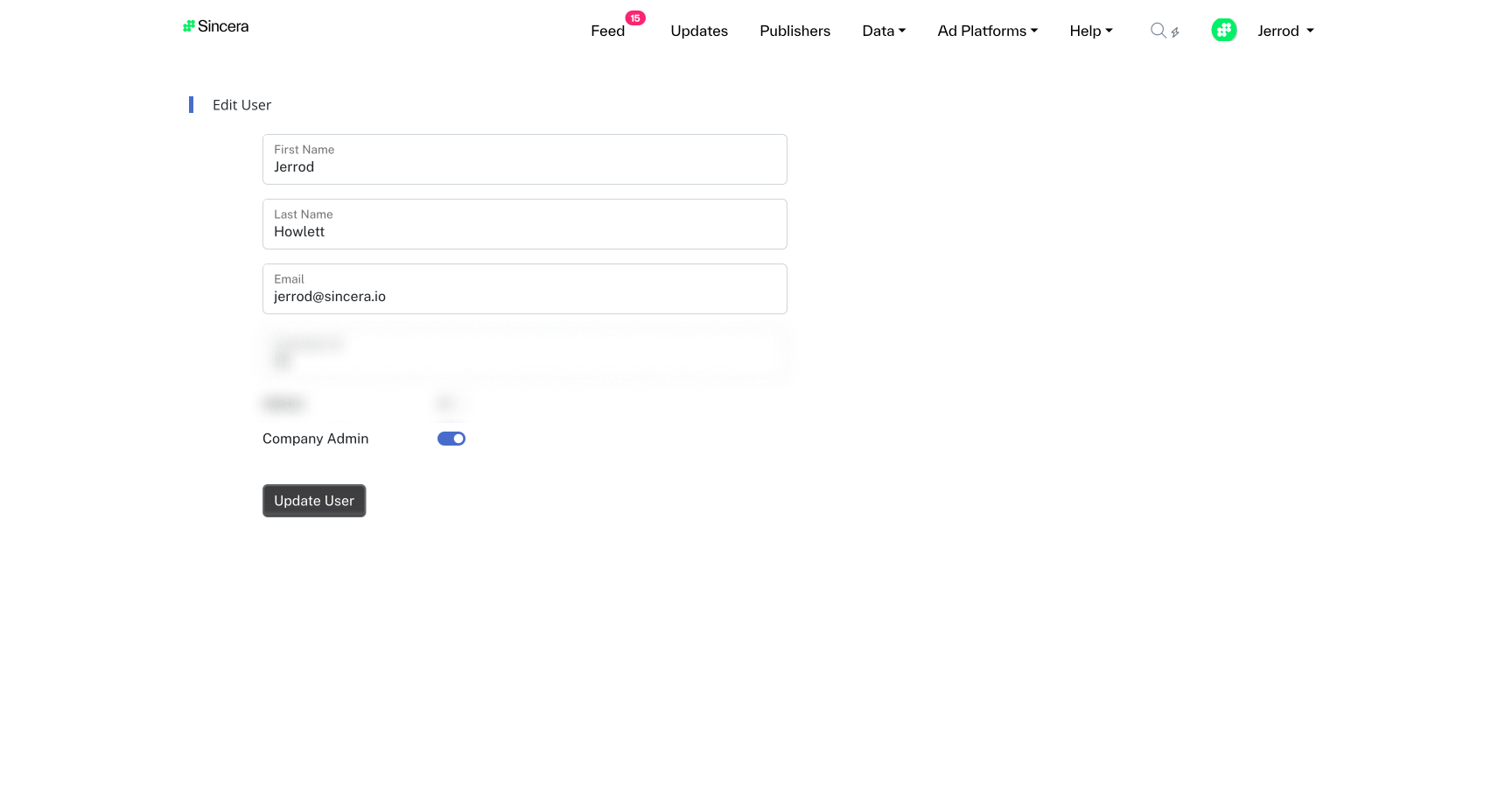
Enable Customer Admin
To enable Enterprise functionality for a given user in your Sincera instance (i.e. private jobs, rulesets, domain lists):
- Hover over your username in the top right hand corner
- Navigate to ‘Admin Controls -> ‘Users’
- If
company adminis set to FALSE, edit the user